Organizations & Teams
Organizations group users and skills together with role-based access control. Every skill belongs to an organization. Within an organization, members can be grouped into teams that carry roles.
Creating an organization
Create an organization from the dashboard or via the API. Names must be between 2 and 50 characters. A URL-safe slug is auto-generated from the name — lowercase alphanumeric and hyphens.
The user who creates the organization automatically becomes the owner.
Organization administration
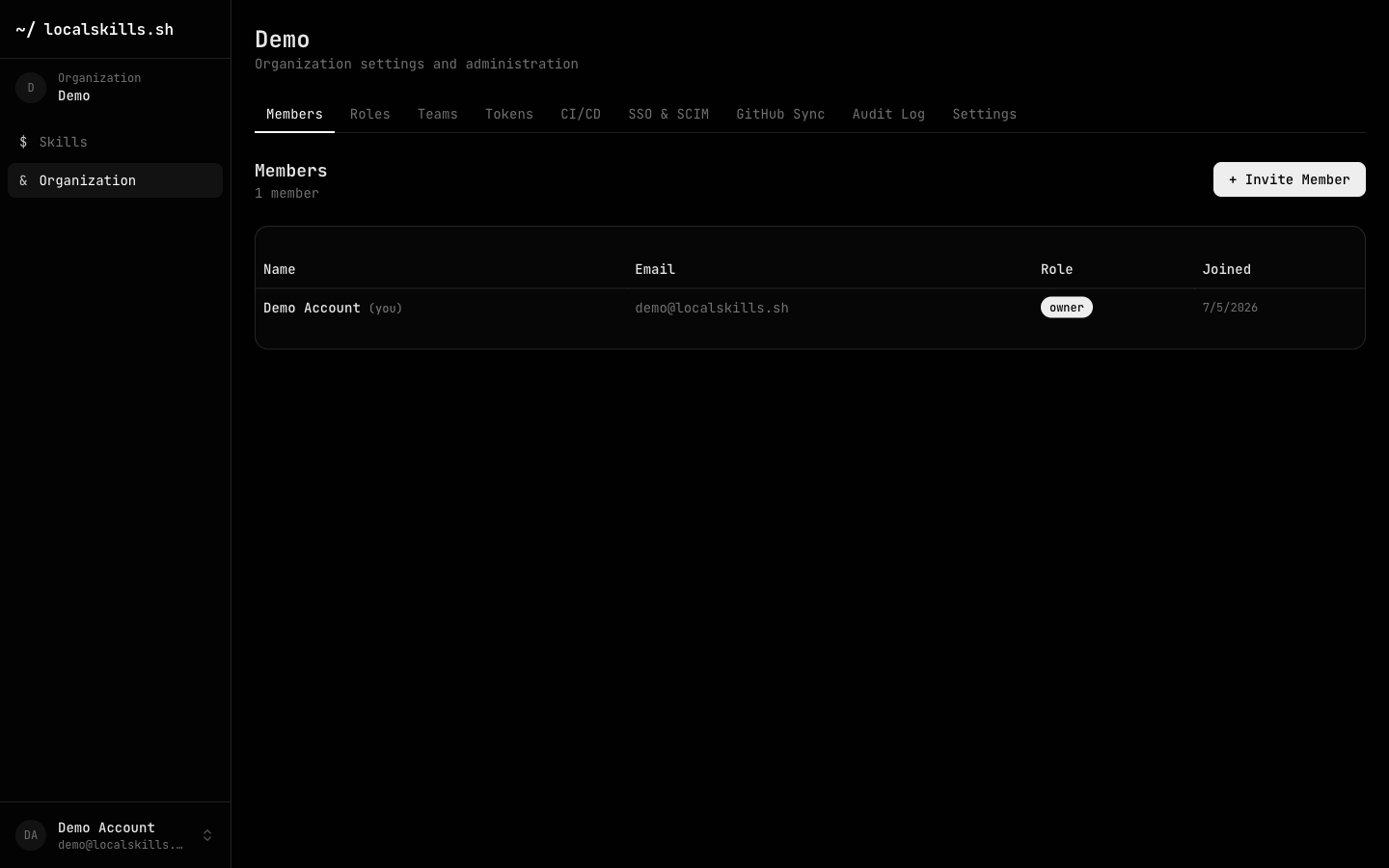
Everything organization-level lives under the Organization entry in the dashboard sidebar, split into tabs: Members, Roles, Teams, Tokens, CI/CD, SSO & SCIM, GitHub Sync, Audit Log, and Settings.
Members & invitations
Members join by invitation. A role with the invitations permission (built into owner and admin) can invite new members by email; each invitation includes a role assignment and expires after 7 days. The invitee must sign in with the same email address the invitation was sent to, and only owners can invite members with the owner role.
Members can hold multiple roles at once — their permissions are the union of everything their roles grant. See Roles & Permissions for the built-in roles and how to define custom ones.
Teams
Teams group members inside an organization, and a team can have roles attached: every member of the team gets those roles on top of their own, live. Change the team's attached roles and every member's effective permissions update immediately. The owner role can never be attached to a team.
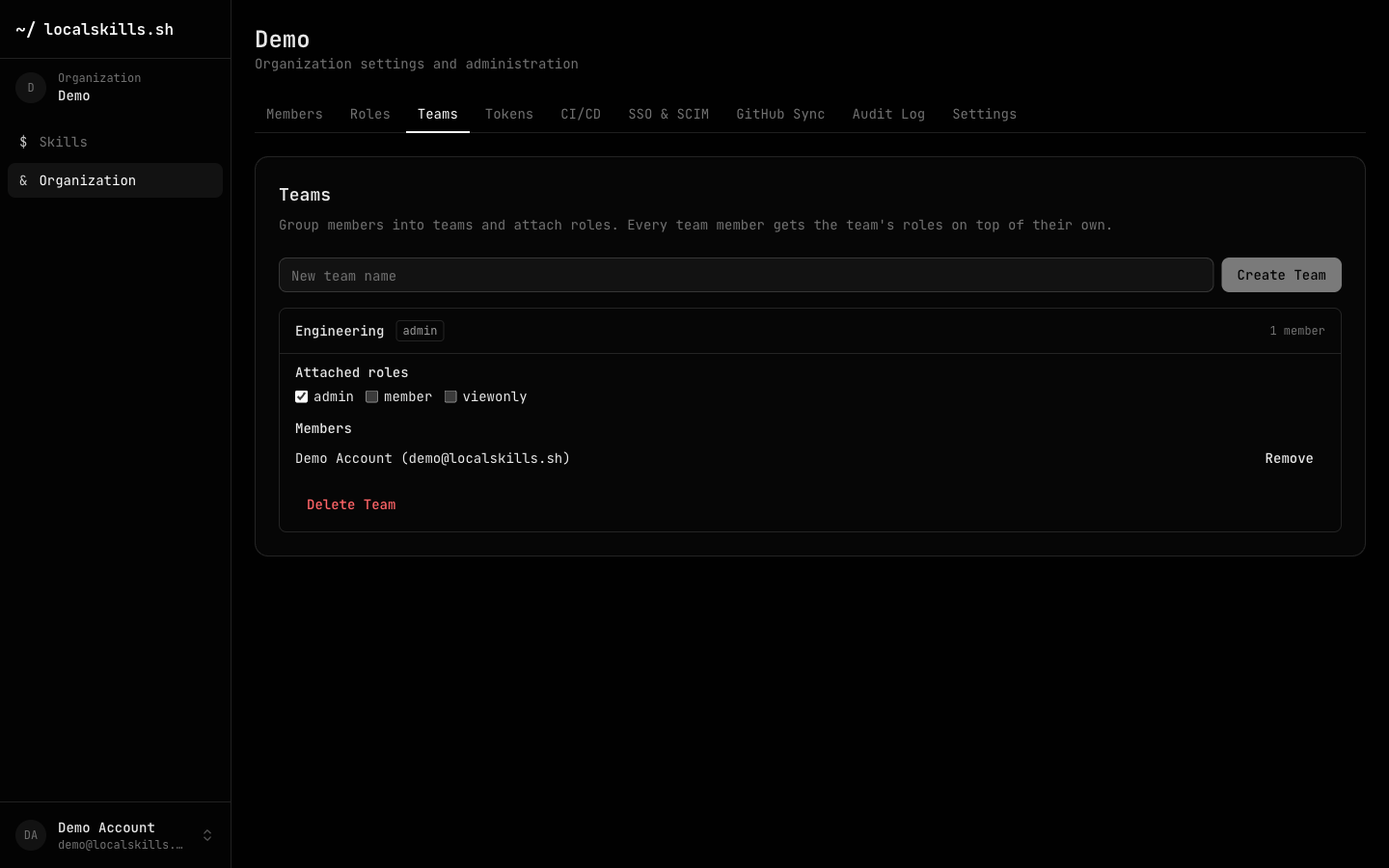
Teams are also the unit of folder access: restricted folders grant access to teams (or individual members) — see Folders & Access Control.
SSO group mapping
With SAML SSO configured, identity-provider groups map to teams. Team membership is re-synced from the IdP's groups attribute on every SSO login: users are added to matched teams and removed from mapped teams whose group is gone. Teams without a group mapping are never touched by the sync, so manually curated teams work alongside IdP-managed ones.
Manage group mappings from the SSO & SCIM tab; each sync is recorded in the audit log as sso.team_sync.
Visibility & publishing policies
The Settings tab has three organization-level policies:
Public profile page — whether the organization's profile at localskills.sh/{slug} (including folder browsing) is visible to non-members. When off, non-members get a 404; skills explicitly made public stay reachable at their own URLs.
Public member list — whether the member list (names and roles) appears on the public profile page. Members always see the full list in the dashboard.
Restrict public publishing — when on, making a skill public or unlisted requires the skill: publish permission, held by the owner and admin built-in roles and grantable to custom roles. Everyone else's skills are private, and the visibility pickers only offer private. Skills that were already public keep their visibility until someone changes it. Members who want a skill published can ask a role holding the permission to flip it.