API Tokens
API tokens provide programmatic access to the localskills.sh API and power CLI authentication in headless environments. There are two kinds: personal tokens that act as you, and organization tokens that act as the organization.
Personal tokens (lsk_)
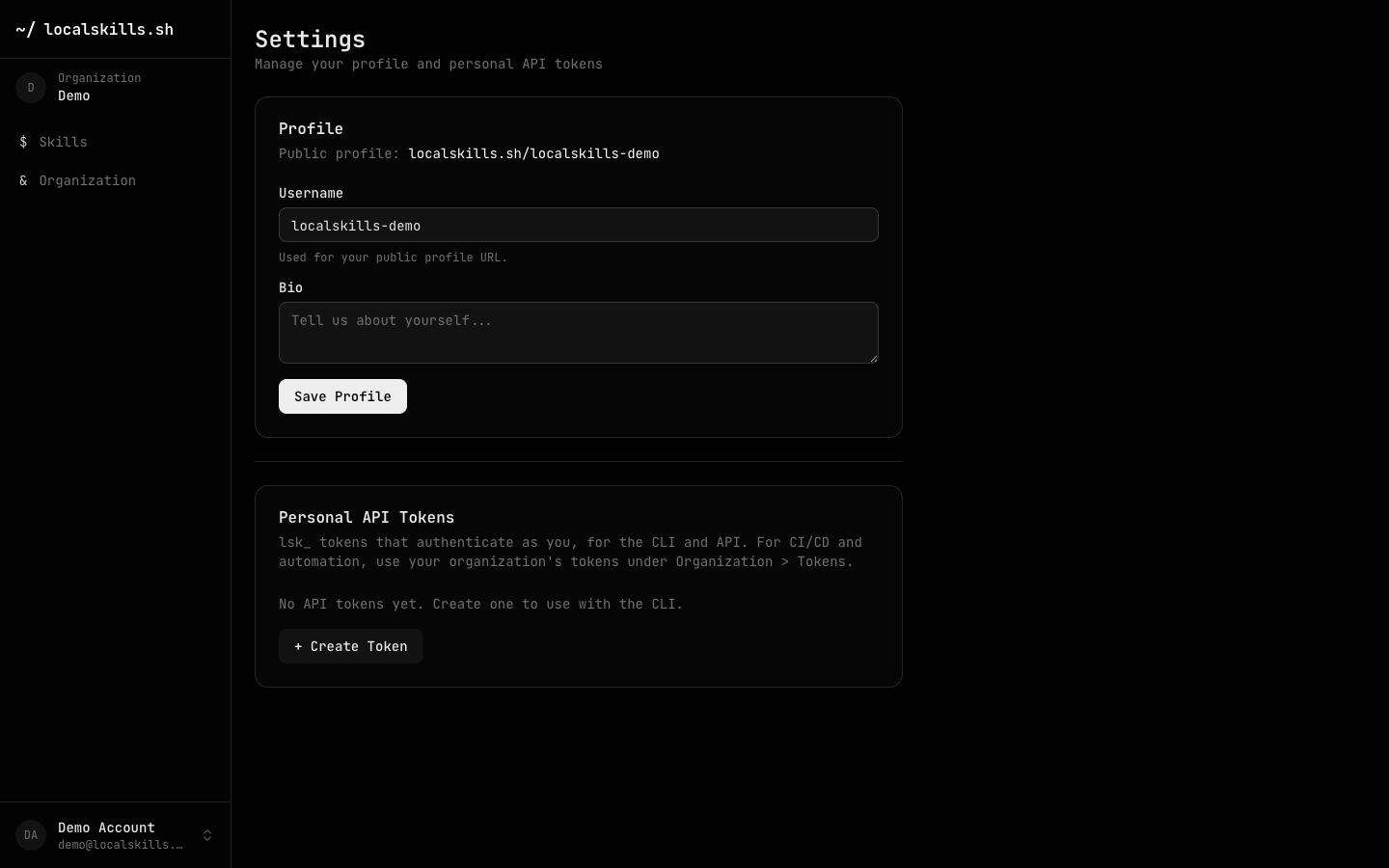
Create personal tokens from your account menu (bottom of the dashboard sidebar) under Settings > Personal API Tokens. They authenticate as you, with your roles and folder access, and use the lsk_ prefix. Each user can hold up to 25 tokens.
Organization tokens (lskt_)
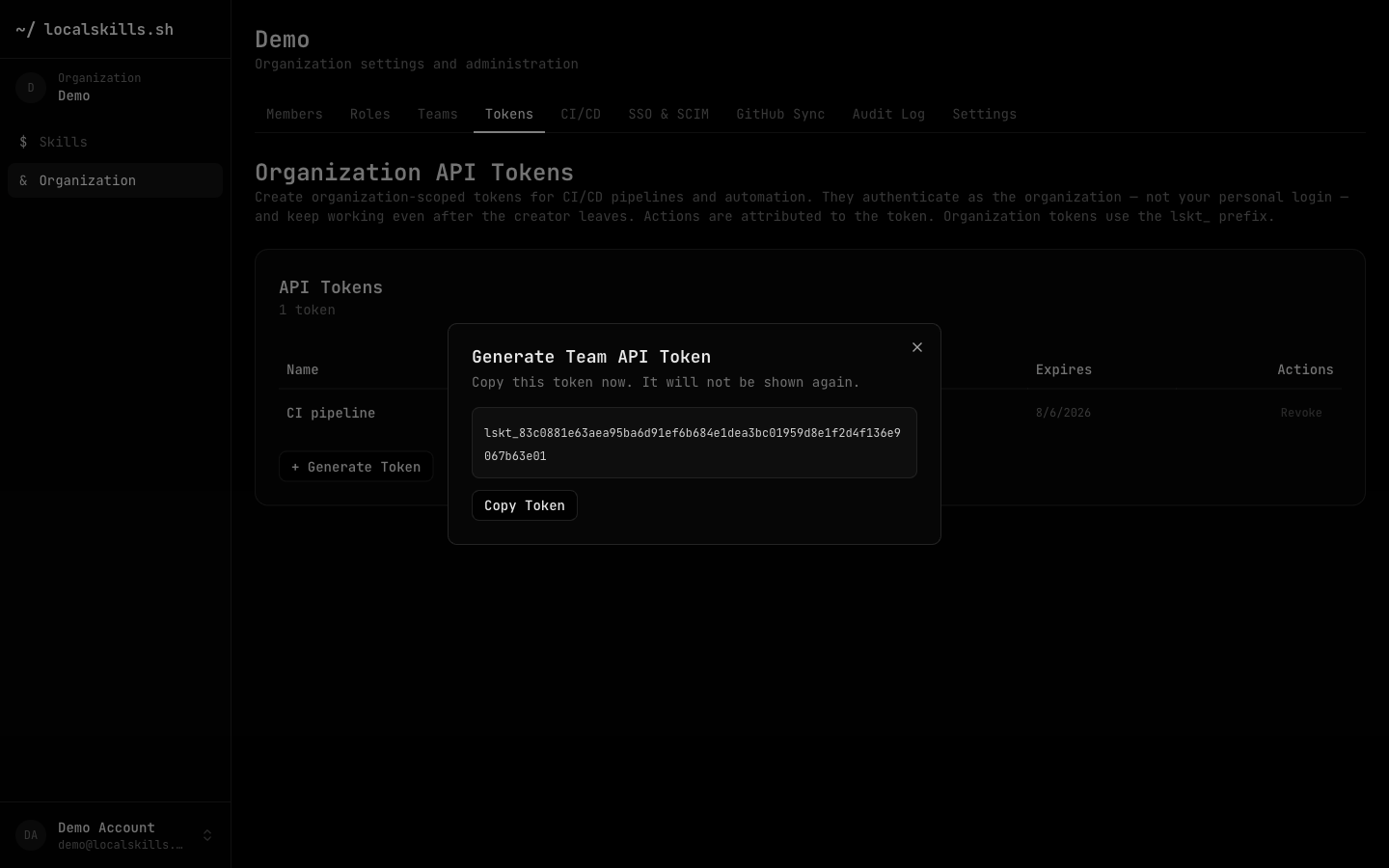
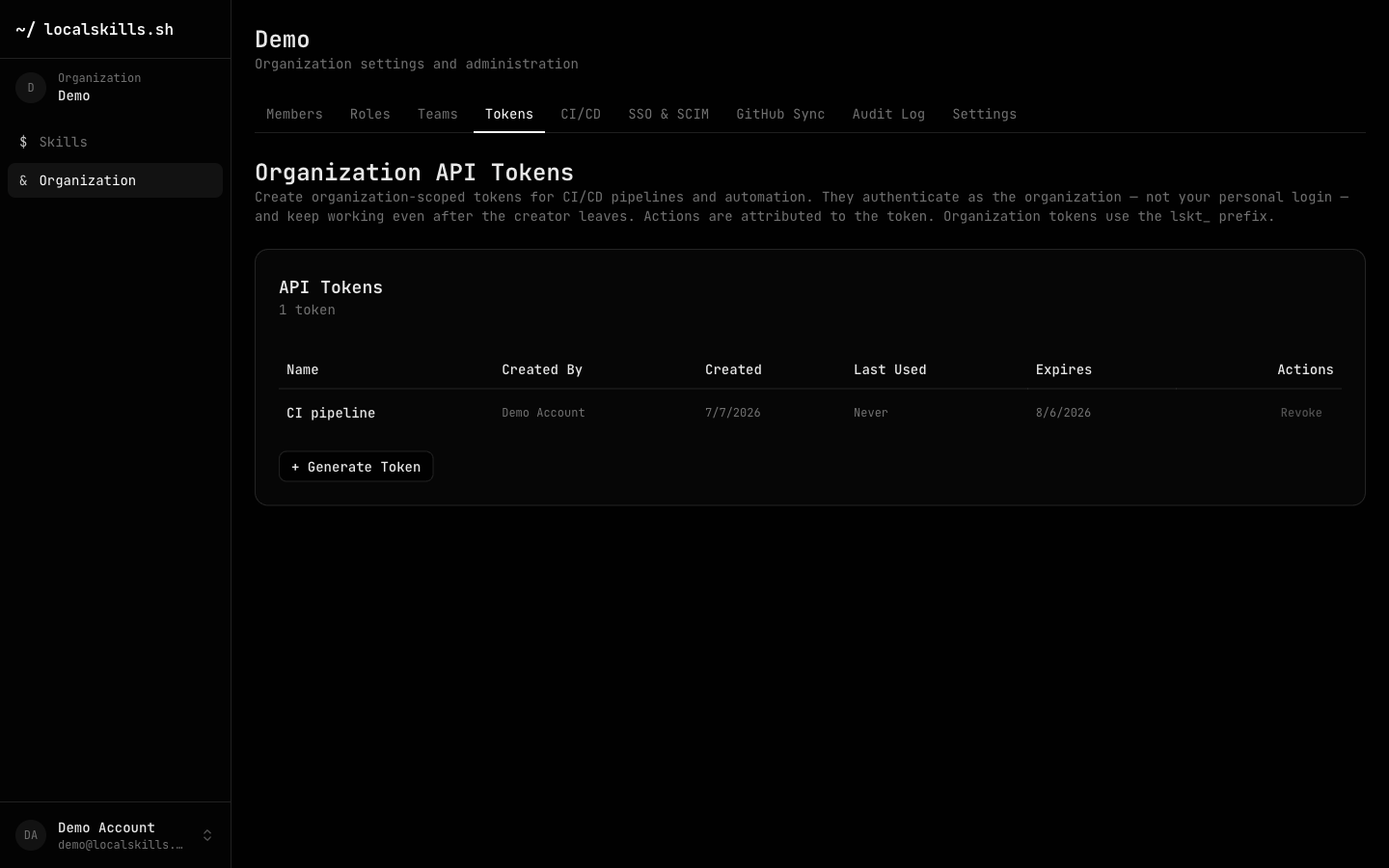
Organization tokens live under Organization > Tokens and use the lskt_ prefix. They authenticate as the organization — not any person — so they keep working after the creator leaves, and actions are attributed to the token in the audit log. Creating and revoking them requires the team API tokens permission (built into owner and admin). An optional expiry (in days) can be set at creation.
Format & storage
Both kinds are the prefix followed by 64 hexadecimal characters (256 bits of entropy). The full token is displayed only once at creation time — the server stores a SHA-256 hash. Each token shows a last used timestamp so you can spot stale credentials.
Using a token
For CLI authentication in headless environments:
$ localskills login --token lsk_your_token_hereFor direct API access, pass it as a Bearer token:
$ curl -H "Authorization: Bearer lskt_your_token_here" \
    https://localskills.sh/api/skills
Fine-grained permissions
Both token types can optionally be restricted at creation time (choose Custom under Permissions in the create dialog, or pass the fields below to the API). A token with no restrictions behaves exactly as before. Restrictions are immutable — revoke and re-mint to change them.
Scopes set a permission ceiling. Scopable permissions: skill: read, create, update, delete, folder: create, update, delete, auditLog: read, githubSync: read, manage. Effective access is the intersection of the holder's real permissions and the token's scopes — scopes can narrow access but never widen it. A scoped token can never manage members, roles, folder ACLs, or mint tokens.
Folder narrowing confines a token to one or more folder subtrees. A narrowed token can only read or write skills (and folders) inside those subtrees; root-level skills are out of reach. Public and unlisted skills outside restricted folders remain readable — a token never sees less than an anonymous request.
$ curl -X POST https://localskills.sh/api/user/tokens \
    -H "Content-Type: application/json" \
    --cookie "$SESSION" \
    -d '{"name":"ci-readonly","expiresInDays":90,
         "scopes":{"skill":["read"]},
"allowedFolderIds":["fld_abc123"]}'Revoking
Revoke personal tokens from Settings and organization tokens from Organization > Tokens. Revoked tokens are invalidated immediately. Token lifecycle events appear in the audit log (user.token_created, user.token_deleted, organization.token_created, organization.token_revoked).