GitHub Sync
GitHub Sync mirrors your organization's entire skill library to a GitHub repository — folder structure included. Skills stay reviewable, diffable, and greppable in the tooling your team already uses.
How it works
Sync is bidirectional. Skill and folder changes made on the platform push to the repo automatically in the background. Pushes to the connected branch flow the other way: edits to SKILL.md, RULE.md, or package files import back as new skill versions, and a brand-new directory containing a SKILL.md creates a new private skill. Imported versions record their provenance (commit and author) in the version message and audit log.
Deleting or moving a skill directory in the repo does not delete or move the skill — the next full sync restores it. When the same skill changes in both places between syncs, GitHub wins: both edits are kept in the version history, and the repo's content becomes the current version — even if the platform edit was saved after the push. After an import, the sync bot pushes one small commit refreshing each skill's .localskills.json version metadata.
Sync now first imports any pending repo changes, then runs a full re-mirror — it is also the recovery path if a webhook delivery was ever missed.
Connecting a repository
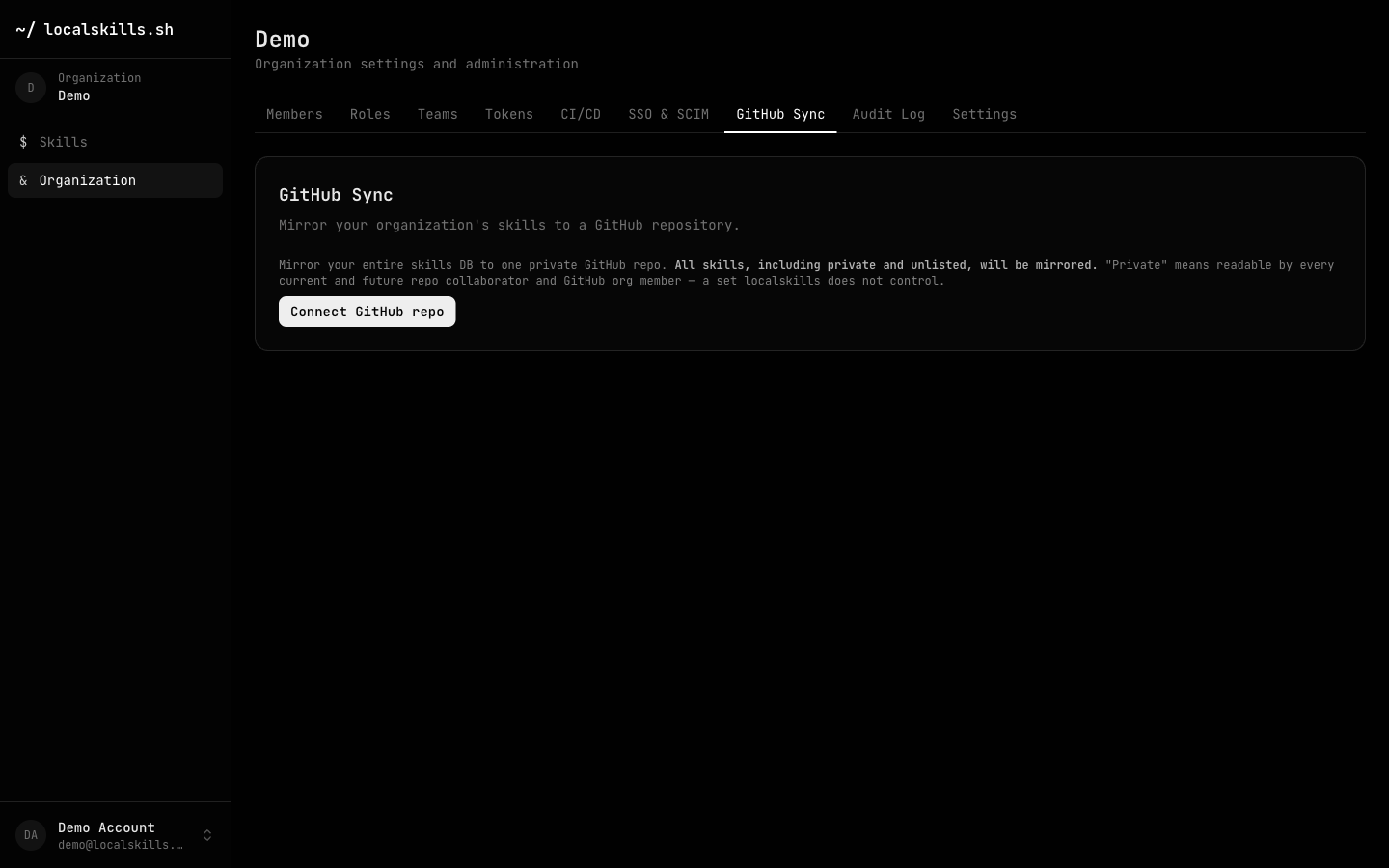
From Organization > GitHub Sync, click Connect GitHub repo. You'll be sent through a GitHub App installation where you pick the account and repository; back on the settings page you confirm the repo and the first full sync runs.
Connecting, disconnecting, and manual syncs require the GitHub sync: manage permission and are recorded in the audit log (github_sync.connect, github_sync.disconnect, github_sync.manual_sync).
Repository layout
Each skill becomes a directory under skills/ following your organization's folder tree, and an auto-generated skills/README.md indexes every skill. Everything outside skills/ — your own README, .github/, workflows, docs — is never written to or deleted:
skills/
  README.md                        # auto-generated skill index
  engineering/
    reviews/
      code-review-checklist/
        .localskills.json          # id, version, semver, type, visibility, tags
        SKILL.md                   # text skill content (managed header)
        references/security.md     # package skills: every file, verbatim
        scripts/diff-stats.sh
  marketing/
    landing-page-copy/
      .localskills.json
      RULE.md                      # rules use RULE.md instead of SKILL.md
Text skills are written as a single SKILL.md (or RULE.md for rules) with a managed header noting that edits sync back. Package skills are unpacked in full — every file in the package appears in the repo. The .localskills.json sidecar records the skill id, current version and semver, type, visibility, and tags.
Renaming or moving a folder on the platform renames the corresponding paths in the repo on the next sync.
Security considerations
Disconnecting removes the platform's access: the GitHub App installation is uninstalled once no other organization still uses it. The mirrored files remain in your repo.